
Brand Book
Define your brand identity once — logos, colors, content templates, visual presets, and AI model personas — and every output across EcomVault stays on-brand automatically.
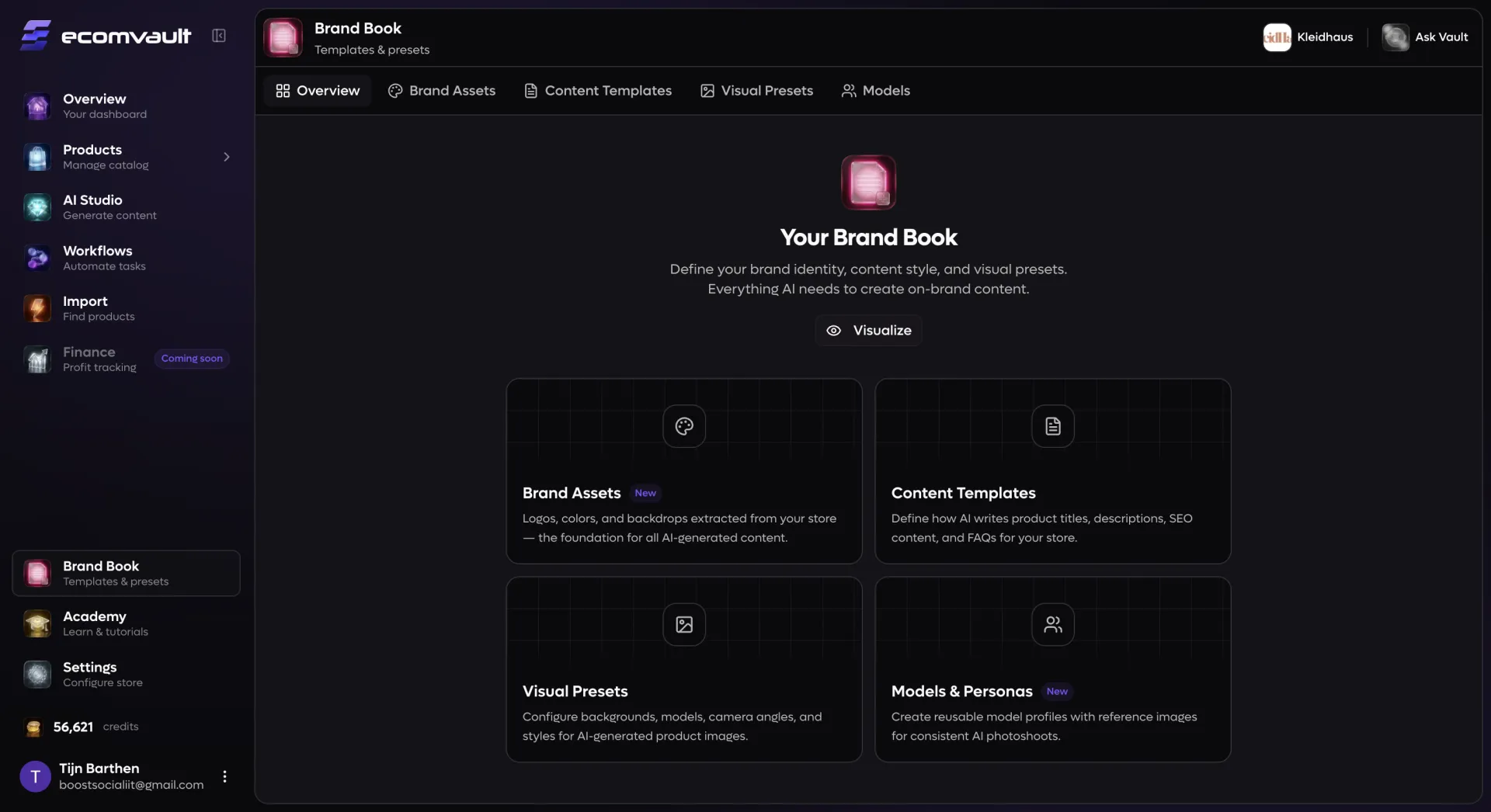
Your entire brand identity in one place
E-commerce brands produce an endless stream of content: product titles, descriptions, SEO metadata, FAQ pages, lifestyle photography, and packshot images. Without a centralized system, each piece drifts further from your brand identity. Brand Book solves this by giving you a single hub where you define exactly who your brand is — visually, verbally, and stylistically. Once configured, every AI tool in EcomVault reads from your Brand Book automatically. When you generate product descriptions during Import, the AI writes in your voice. When you create lifestyle photos in Studio, your model personas, color palette, and visual presets are pre-loaded. When you run bulk content generation across your catalog, every output inherits your brand rules without any extra setup. Update your Brand Book once, and the change propagates everywhere instantly.
What you can configure
How it works
Start from the Brand Book overview, which organizes everything into four sections: Brand Assets, Content Templates, Visual Presets, and Models & Personas. In Brand Assets, connect your store URL and click "Extract from store" to automatically pull in your logos, brand colors, and backdrop images — or upload and fine-tune them manually with the drag-and-drop editor. In Content Templates, create templates for each content type with the visual configurator: drag variables into a title structure, arrange description blocks in order, add FAQ topic lists, and provide example outputs. In Visual Presets, build complete photography configurations by selecting from preset grids for every parameter — background, model, crop, expression, pose, rotation, camera, and tone — for both lifestyle and packshot types. In Models & Personas, walk through a step-by-step character builder to define every physical attribute, generate AI reference portraits with your choice of image model, and save the persona for reuse. Once saved, use the Brand Visualizer to preview how everything comes together on a simulated product page — complete with your logo, color scheme, generated content, and AI imagery — in both desktop and mobile views.